



Description
WooCommerce Plugin Custom Product Cart Button
1. General Objective
Allows for graphic and functional customization of the two key buttons in WooCommerce on the product page:
-
The “Add to Cart” button
-
The “View Cart” button (added to the right of the “Add to Cart” button)
All options are accessible directly via the Customizer of WordPress, without touching your theme’s code.
2. Customization of the “Add to Cart” Button
Integrated into the header of each product page, this feature injects inline CSS to instantly adapt the rendering:
-
Button Text
– Change the default label “Add to Cart” -
Colors
– Background color
– Text color -
Border
– Style (none,solid,dotted,dashed)
– Thickness (px)
– Color -
Rounded Corners
– Radius of each corner (top-left, top-right, bottom-right, bottom-left) -
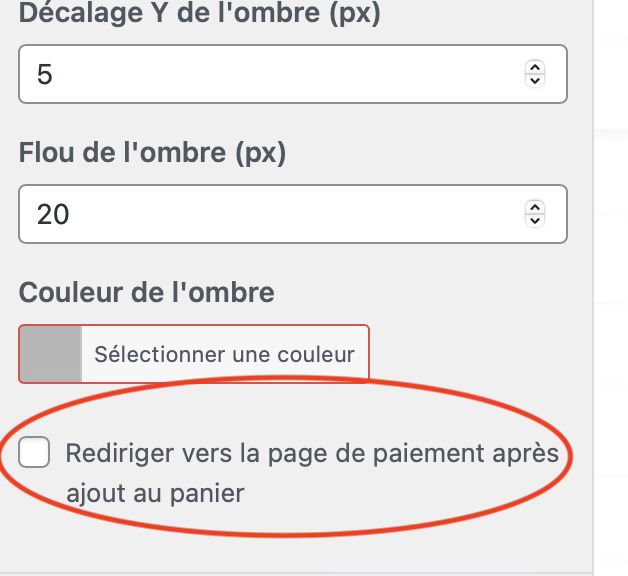
Drop Shadow
– X / Y Offset (px)
– Blur (px)
– Shadow Color -
CSS Animations (choices in the Customizer)
– shake : slight horizontal shake
– zoom : zoom/pulsation effect
– cartoon : cyclical background color change
– random : random selection from the three above
All these styles are applied via a single <style> injected into wp_head, ensuring minimal performance impact.
3. Addition of the “View Cart” Button
Positioned immediately after the “Add to Cart” button using the hook woocommerce_after_add_to_cart_button, this second button:
-
Redirects to the cart page (
wc_get_cart_url()) -
Text editable (default “View Cart”)
-
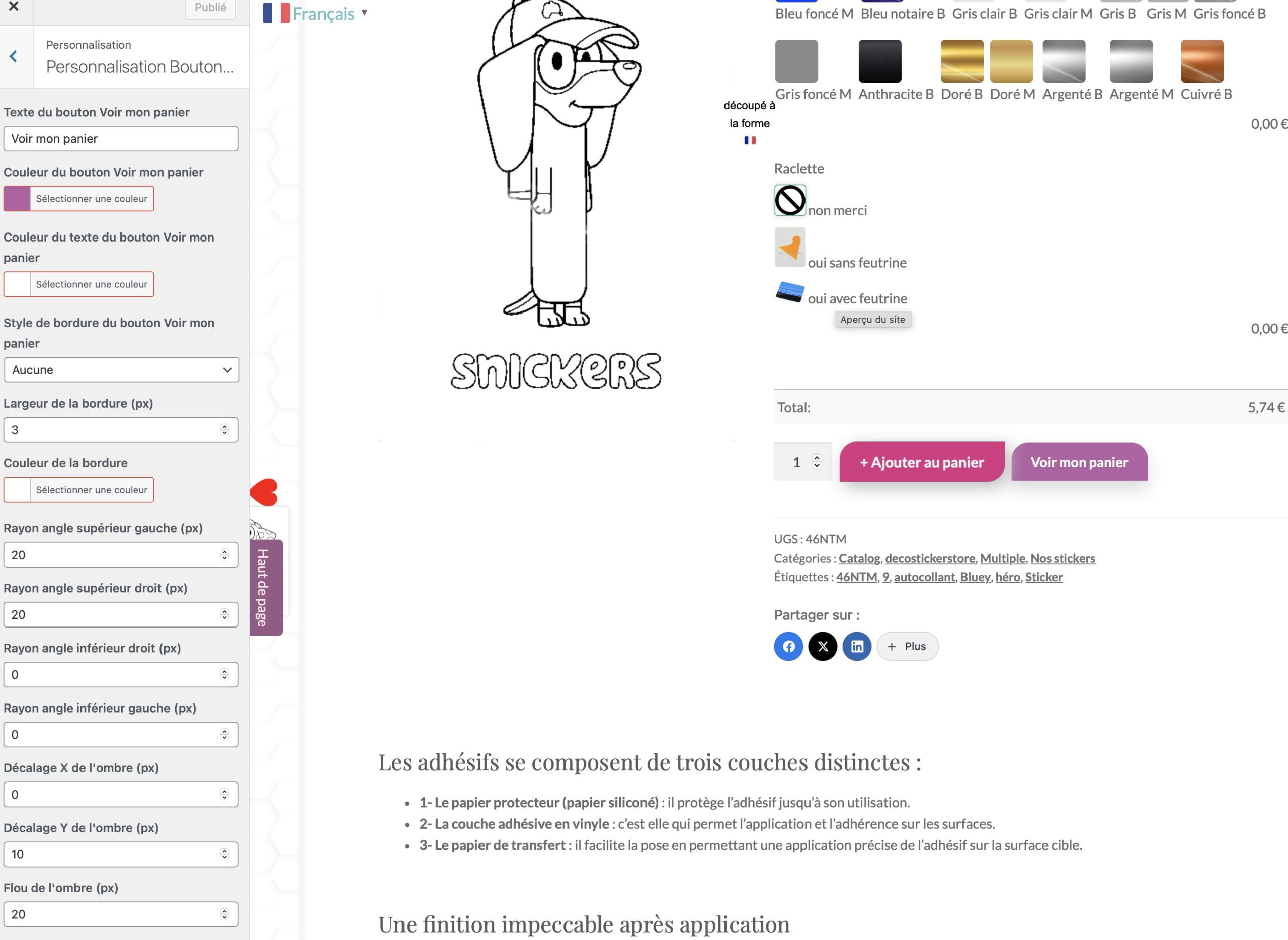
Colors
– Background
– Text -
Border
– Style, thickness, color -
Rounded corners (individual)
-
Drop shadow (offset X/Y, blur, color)
-
Left margin preset to space from the main button
4. Configuration Interface (Customizer)
A unique section “Customize WC Buttons” brings together all settings:
-
“Add to cart” settings
-
“View my cart” settings
For each group:
-
add_setting()+add_control()(text type, color, select, number) -
Validation via
sanitize_text_field,sanitize_hex_color,absint
5. Compatibility and Best Practices
-
Minimum required version : WooCommerce 3.0+
-
Themes : compatible with most themes (Storefront, Astra, OceanWP, …)
-
Performance :
-
Lightweight PHP code, no external dependencies
-
Inline CSS scoped only to product pages
-
-
Maintenance :
-
Current version: 1.5
-
Translatable via the text-domain
killerdev98-wc-custom-button
-
6. Typical Use Cases
-
Strong Branding : adapt the button colors to your store’s visuals.
-
Call-to-action effect : add a “shake” animation to highlight the button.
-
Quick user journey : provide direct access to the cart from the product page.
-
Graphic uniformity : define a consistent shape and shadow for all buttons.
This plugin thus offers complete control, simply, over the appearance and behavior of the main buttons in your WooCommerce product catalog.
WooCommerce Custom Product Cart Button Plugin decostickerstore







Autocollant au top 👌 parfait et très joli 👍 merci
Schnelle Lieferung. Sehr gute Qualität.
Très bien reçu merci
Good Service as well as fast delivery.
Perfect, Excellent quality handling packaging